Our Vision
Hotel Inventory Management Reimagined
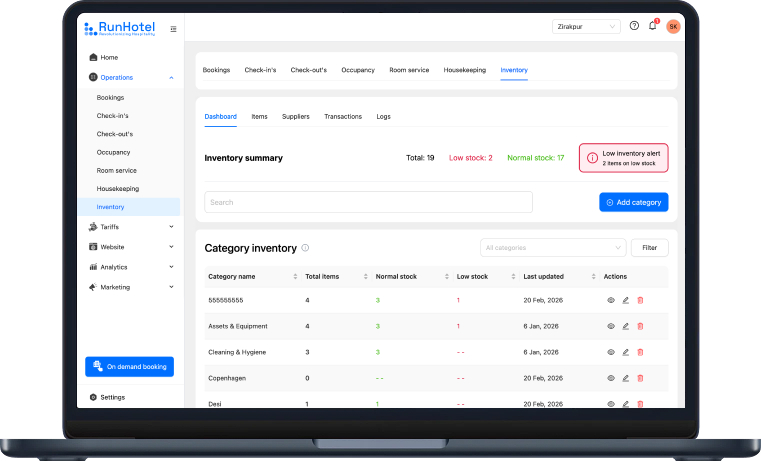
Organized, transparent, and accessible. Dashboard, items, suppliers, transactions, logs – all connected seamlessly.
Take Control
of Your Inventory
01
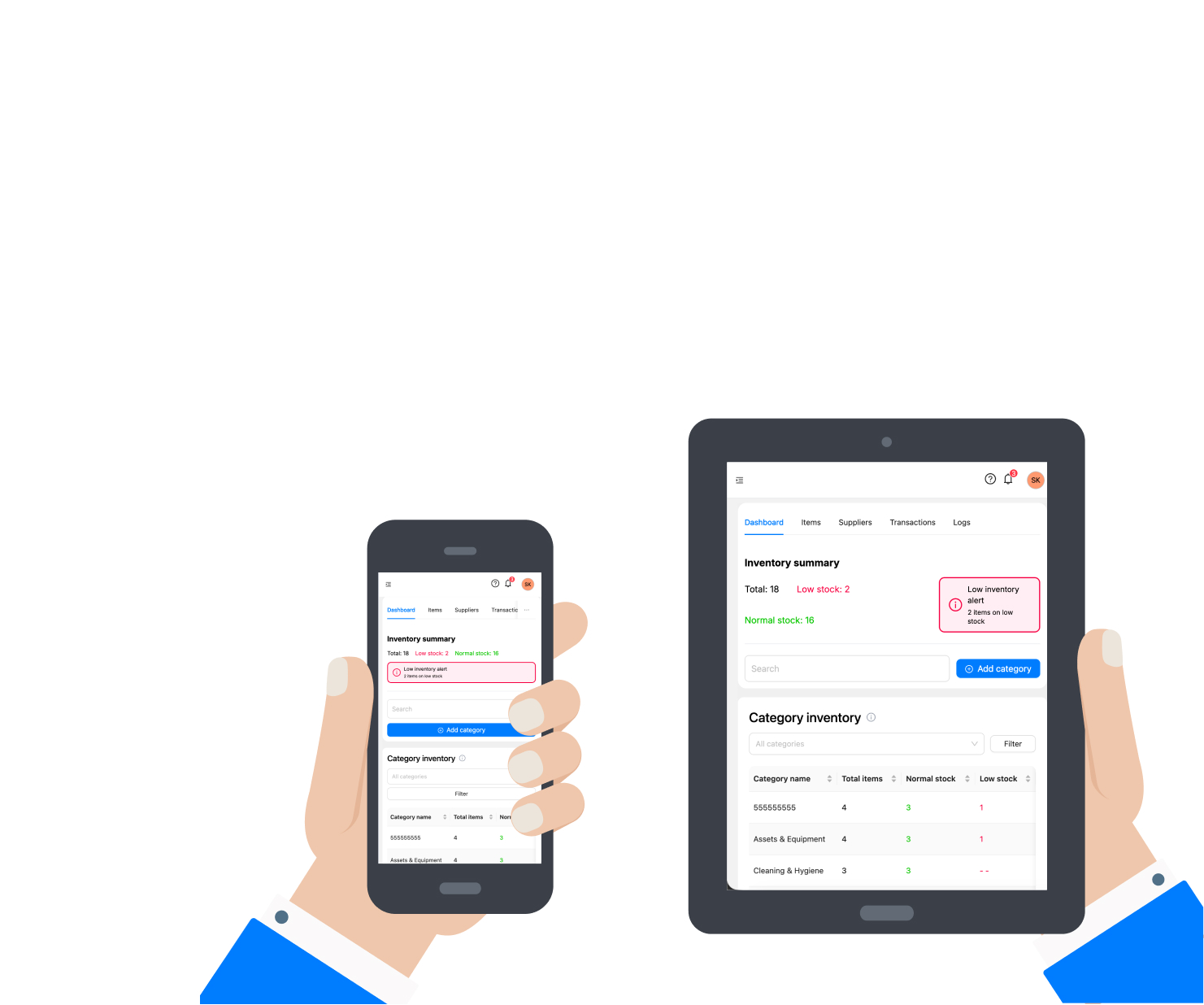
Dashboard Overview
Get a complete snapshot of your inventory status, stock levels and key metrics at a glance.
02
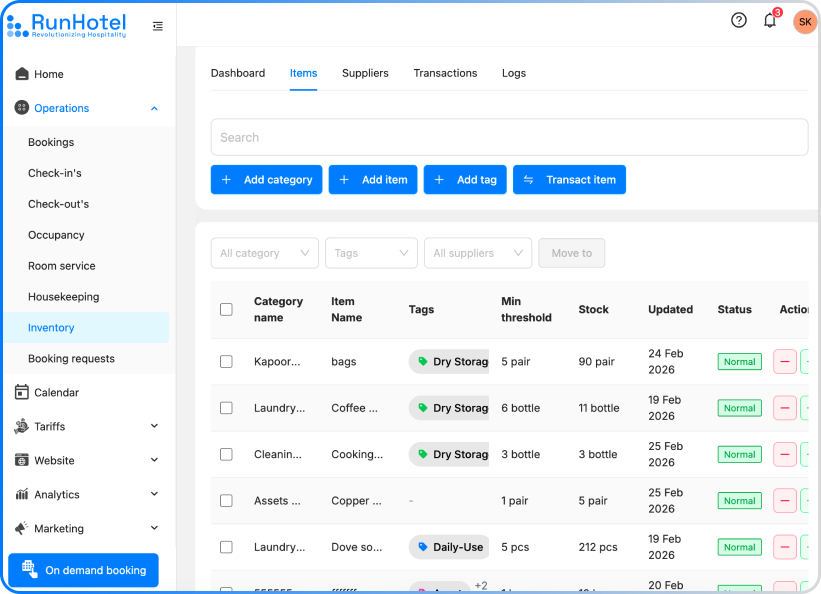
Multi-Category Organization
Organize multiple products into custom categories and tags for quick searching and efficient inventory management.
Track orders
Suppliers
Relationships
03
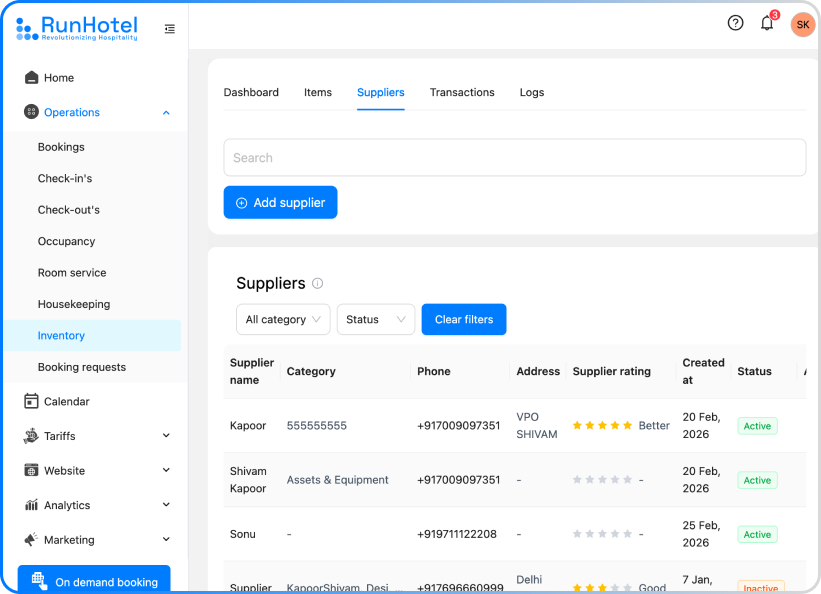
Supplier Management
Centralize all supplier information, track orders and manage relationships seamlessly from one place.
04
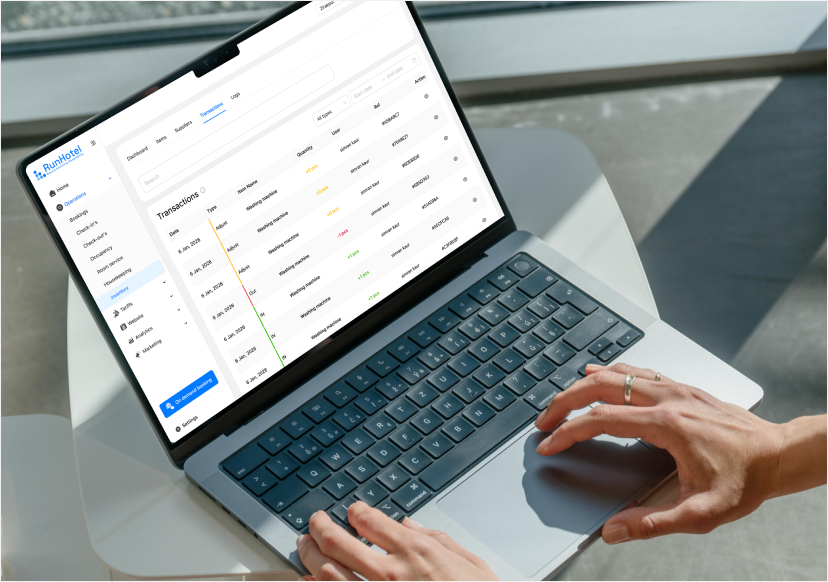
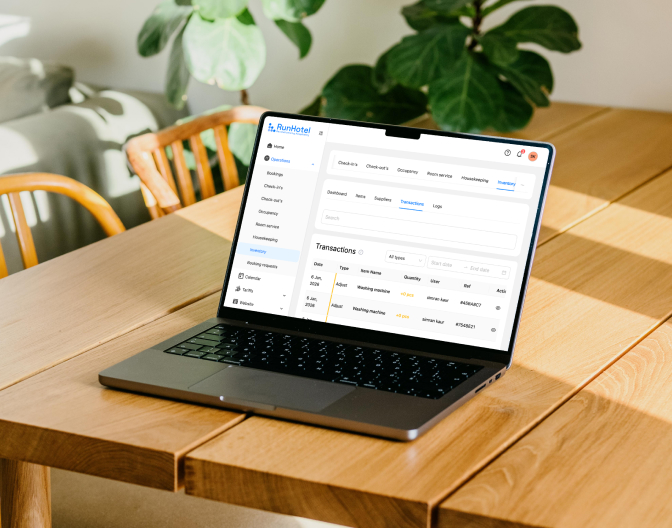
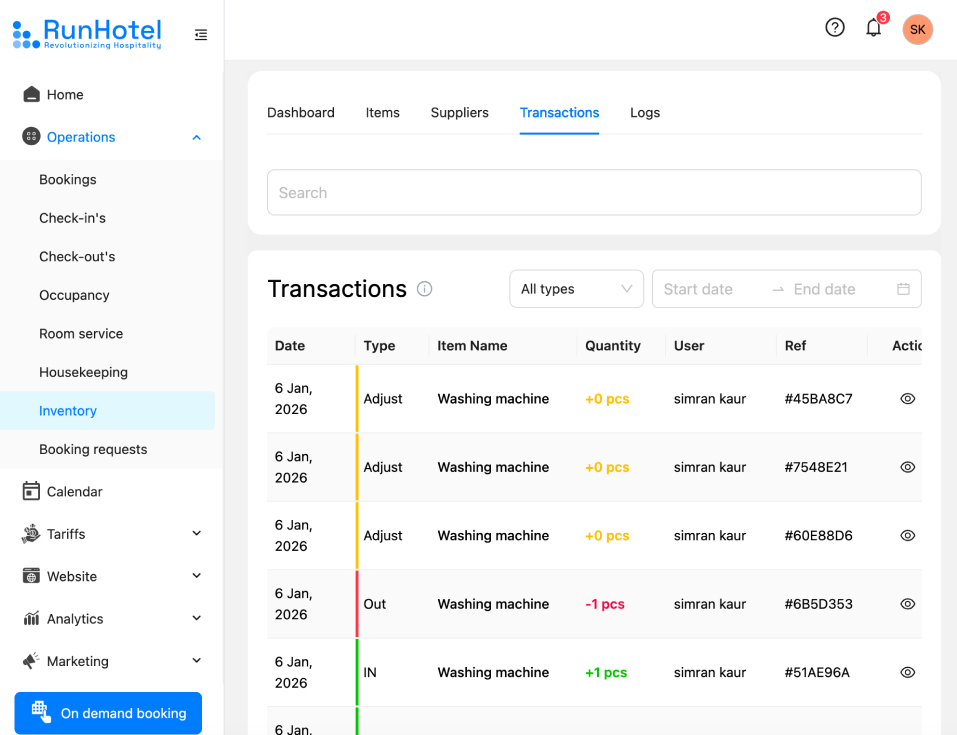
Transaction History & Logs
Complete audit trail of every inventory change - additions, deletions, edits with timestamps and user details.
05
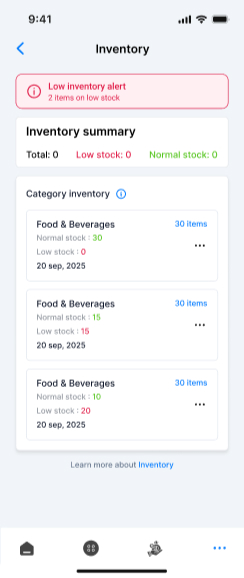
Mobile-Friendly Interface
Manage inventory from anywhere - desktop, tablet, or phone with full functionality on all devices.
I finally stopped using spreadsheets for inventory tracking, and it feels far more reliable now.
Neha Kapoor,
Inventory Manager
The system is straightforward, which made team adoption surprisingly smooth.
Ritu Sharma,
Operations Coordinator
The dashboard gives me a clear stock overview in seconds, without switching between multiple reports.
Rohit Mehra,
Operations Head
Keeping supplier details in one place saves us time every single day.
Rohini Bhatia,
Procurement Lead
The transaction logs help us quickly spot inventory mistakes before they become bigger issues.
Akanksha Sharma,
Operations Manager
Quick Answers
Got Questions?
We’ve Got Answers.
Find quick solutions to the most common queries.
1. How can i add item?
Simply navigate to the Items section, click "Add Item," fill in product details like name, category, quantity and supplier information, then save.
2. Can I track supplier information and manage orders?
Yes, the Suppliers section lets you store complete supplier details, track orders, manage pricing and maintain communication history, with internally ratings their services , all in one centralized location.
3. How can I see all inventory changes and who made them?
Our Logs section provides a complete audit trail showing every transaction - additions, deletions, edits - with timestamps and user information for full transparency and accountability.
4. Is it possible to categorize and tag products for better organization?
Absolutely. You can create custom categories, multiple tags to items and filter by any attribute. This makes searching and organizing your inventory quick and effortless.
5. Can I access inventory from my mobile device?
Yes, RunHotel's inventory management is fully responsive and mobile-friendly. Manage your stock, check transactions and update supplier info from anywhere using your phone or tablet.